
If I had to name the single skill that most distinguishes a good BIM project from a poor one, it would not be modeling, and it would not be software. It would be coordination: the quiet, repetitive, human discipline of making sure that the work of many people, in many companies, using many tools, fits together before it is built. A project can have excellent models and poor coordination, and it will fail. A project can have modest models and excellent coordination, and it will run beautifully. Coordination is where the promise of BIM, a shared and checked representation of the building, is either kept or broken.
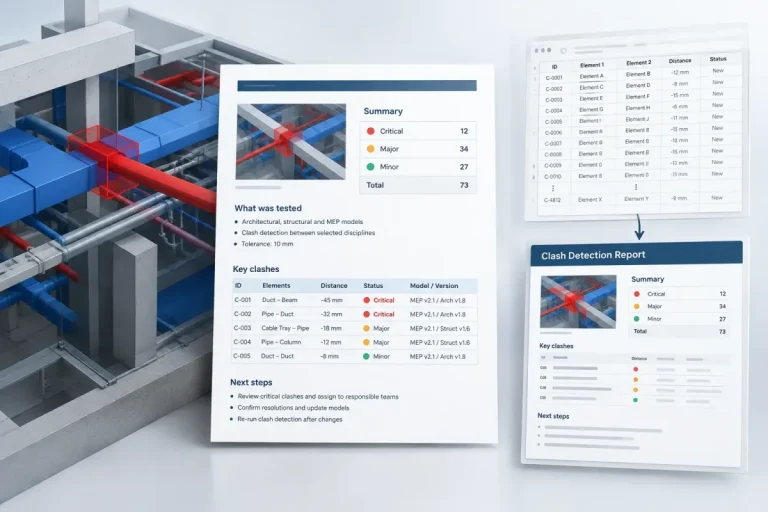
I came to this view the hard way. On an early project, we produced what I thought was a superb federated model: every discipline present, every file aligned, a clash report the size of a telephone directory. We held a coordination meeting, handed out the report and went home pleased. Three weeks later, the clash count was higher. Nobody had been asked to decide anything. The report was a list of facts, not a list of decisions, and the people who could have made decisions had not been in the room. The software had done its job. The coordination had not happened.
This guide is the hub for the coordination and model quality section of the site. It explains what BIM coordination is and is not, the levels and types of coordination, how to set up the framework, how to run a coordination cycle, how federation, clash detection, meetings, issue tracking, model checking and version comparison fit together, what makes coordination succeed and what breaks it. It then points to the detailed guides on each element. The principles apply to buildings and infrastructure, and to any combination of disciplines.
The Short Answer
BIM coordination is the process of integrating the models and information of different disciplines, detecting conflicts and gaps, deciding how to resolve them and verifying that they are resolved, so that the design and construction information is consistent and buildable.
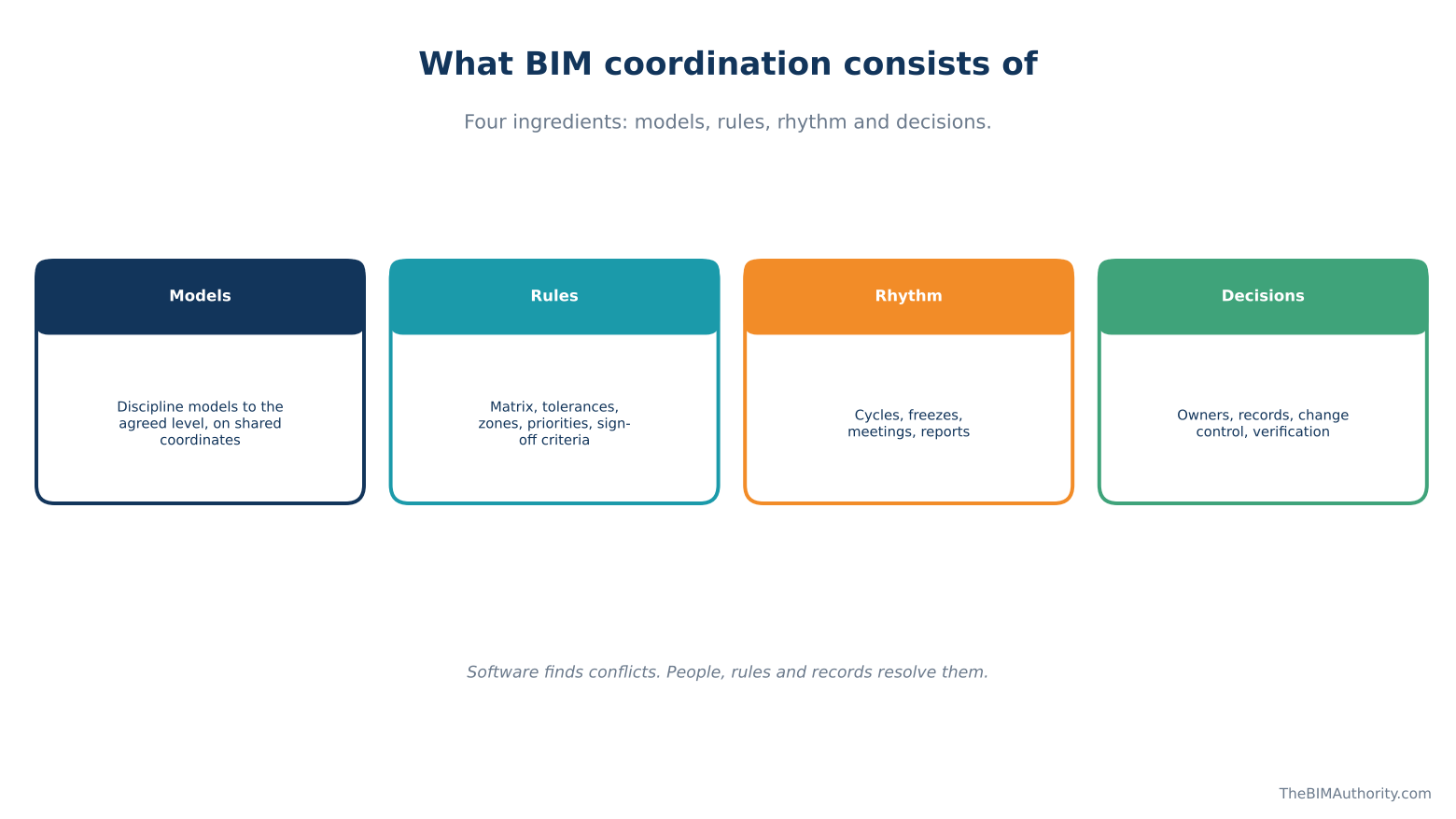
| Ingredient | What it means |
|---|---|
| Models | Discipline models to the agreed level of information, aligned on shared coordinates |
| Rules | Clash matrix, tolerances, zones, routing priorities, sign-off criteria |
| Rhythm | Coordination cycles, freeze dates, meetings, reports |
| Decisions | Owners, records, change control, verification |
In one sentence:
Coordination is not finding clashes. It is making and recording decisions so that the models fit together and stay that way.
Coordination, Clash Detection, Collaboration: Untangling the Words
| Term | Meaning | Relationship |
|---|---|---|
| Collaboration | The broad way teams work together, sharing information and responsibility | The context for coordination |
| Coordination | Integrating models and resolving conflicts and gaps between disciplines | The process |
| Federation | Combining separate models into one view without merging them | A technique that coordination uses. See How to Create and Manage a Federated BIM Model |
| Clash detection | Automated testing of geometric conflicts and clearance violations | A tool within coordination. See BIM Clash Detection: The Complete Guide |
| Model checking | Rule-based checking of geometry and information against requirements | A quality tool. See BIM Model Checking: Geometric and Information Validation |
| Issue management | Tracking conflicts and decisions through to resolution | The record of coordination. See BIM Issue Tracking and Resolution Using BCF |
| Quality assurance and control | Preventing and detecting errors in the information | The wider quality system. See BIM Quality Assurance vs. Quality Control: Processes and Checklists |
Coordination uses all of these. It also includes things that no software does: agreeing who decides, scheduling reviews and following up.
Types and Levels of Coordination
| Type | Purpose | Typical participants |
|---|---|---|
| Design coordination | Resolve conflicts between design disciplines before documents are issued | Architect, structure, MEP design teams, specialists |
| Trade coordination | Resolve conflicts between contractors’ detailed models before fabrication and installation | Contractor, subcontractors, fabricators |
| Construction coordination | Plan sequence, logistics and site conditions using the models | Contractor, trades, site management |
| Discipline-internal coordination | Align systems within one discipline (for example MEP systems among themselves) | The discipline’s team |
| Information coordination | Align data, naming, classification and requirements across models | Information managers, coordinators |
| Handover coordination | Align as-built models and asset data with the owner’s needs | Contractor, designers, owner |
Level of detail grows from design coordination (systems, zones, main routes) to trade coordination (hangers, supports, fittings) to as-built. See BIM Levels of Development (LOD) Explained.
Step 1: Build the Framework
Agree and Document
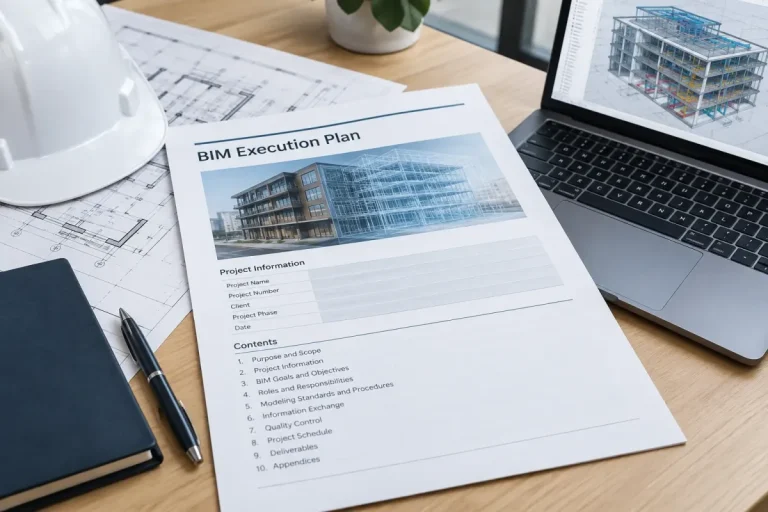
Write the coordination plan in the BEP. See BIM Execution Plan (BEP): How to Create and Implement One.
| Element | Content |
|---|---|
| Models in scope and owners | List of models, disciplines, companies, responsible people |
| Shared coordinates and levels | One reference set, with offsets recorded. See BIM Georeferencing: Coordinate Systems and Model Positioning |
| Level of information per cycle | What each model must contain at each stage |
| Federation approach | How models are combined, which views are standard |
| Clash matrix and tolerances | What is tested and how. See How to Create a BIM Clash Detection Matrix |
| Zones and routing priorities | How space is allocated and who yields when |
| Cycle and calendar | Frequency, cut-off dates, freeze dates |
| Issue management | Tool, statuses, response times |
| Meetings | Format, attendance, reporting |
| Sign-off criteria | When a zone counts as coordinated |
| Change control | How changes after sign-off are requested and approved |
| Quality checks | Before sharing and at milestones |
Appoint the Roles
| Role | Responsibility |
|---|---|
| BIM coordinator | Runs the cycle: federate, test, group, report, track, verify |
| Discipline leads (task team leads) | Own their models and decisions; approve for sharing |
| Information manager | Manages the CDE, statuses and records |
| Project manager / design manager | Resolves conflicts that need programme or cost decisions |
| Client representative | Decides where requirements or scope are affected |
See BIM Roles and Responsibilities: Manager, Coordinator, Modeler, and Information Manager.
Step 2: Prepare Models for Coordination
Good coordination starts before the models are shared.
| Preparation | Why |
|---|---|
| Check coordinates and levels | Misaligned models produce meaningless results |
| Clean the model | Remove stray elements, duplicates and test content |
| Set the level of information | Include what the cycle needs: real sizes, insulation, clearances |
| Assign systems and categories | So tests can filter by system and category |
| Export and test | Export with agreed settings and open in the federation tool |
| Run the sharing checklist | See Architectural BIM Model Auditing and Quality Control, Structural BIM Model Validation and Quality Assurance and MEP BIM Model Quality Control and Validation |
| Set the status | Suitable for coordination; revision |
A model that is not ready should not be shared. It wastes everyone’s time, including the author’s.
Step 3: The Coordination Cycle
| Step | What happens |
|---|---|
| 1. Share | Each team shares its checked model by the cut-off date, with status |
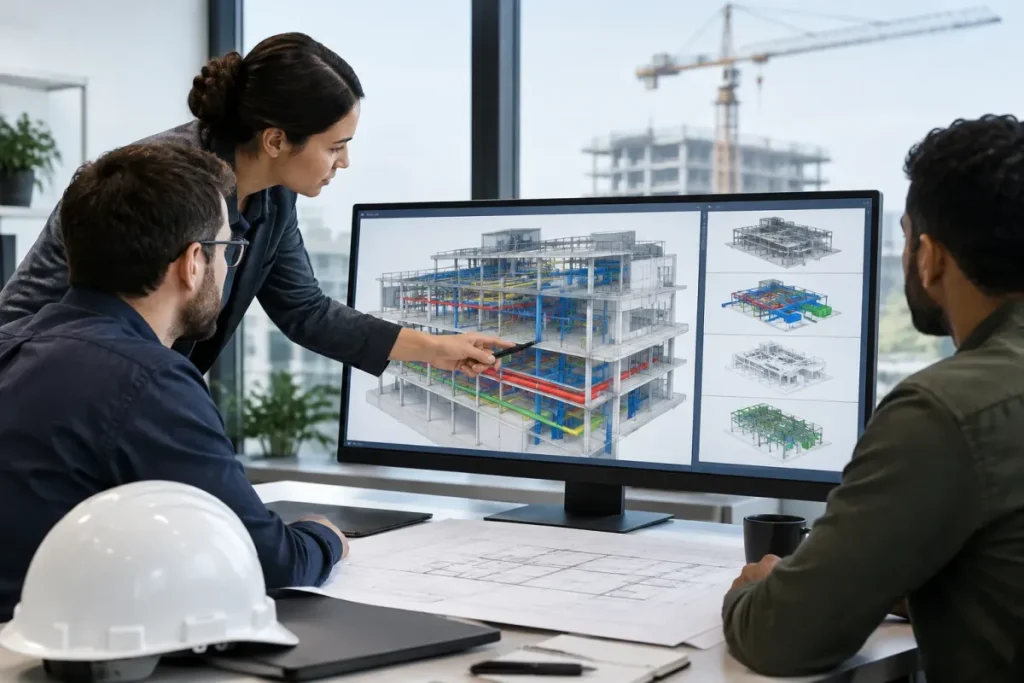
| 2. Federate | The coordinator combines models, verifies alignment and versions |
| 3. Test | Clash tests and rule checks run per the matrix; results compared with the previous cycle |
| 4. Group and prioritize | Results filtered for noise, grouped by cause and location, ranked by consequence |
| 5. Report | Issues created with viewpoints and elements, assigned to owners with due dates |
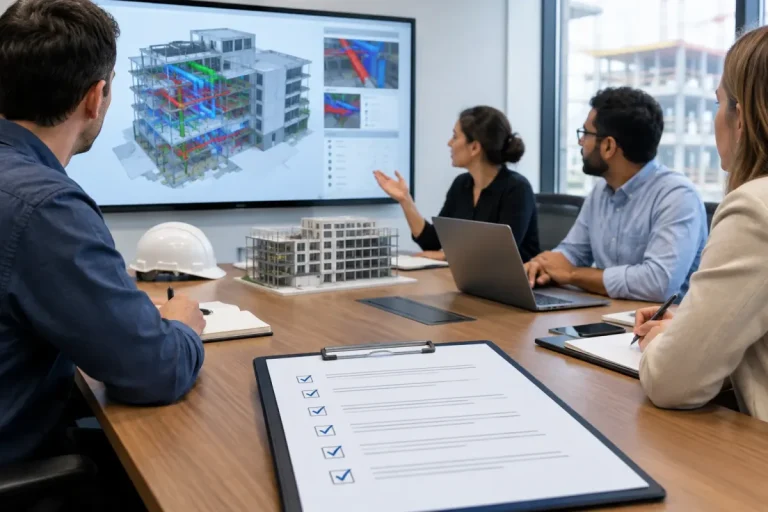
| 6. Meet | Focused session to decide actions; approvals recorded. See BIM Coordination Meetings: Planning, Reporting, and Best Practices |
| 7. Resolve | Teams update their source models |
| 8. Verify | The next cycle confirms resolution; issues closed with evidence |
| 9. Sign off | Zones marked coordinated when criteria are met; freeze begins |
Choosing the Rhythm
| Phase | Typical rhythm |
|---|---|
| Early design | Every few weeks, focusing on framework, zoning and strategy |
| Developed and technical design | Weekly or fortnightly |
| Pre-construction and trade coordination | Weekly, sometimes more often in critical areas |
| Construction | As needed for changes and sequence |
See BIM Project Planning: Milestones, Deliverables, and Coordination.
Step 4: Make Decisions, Not Lists
The most common failure in coordination is to produce lists of problems and call it progress.
What a Decision Looks Like
| Weak | Strong |
|---|---|
| “Duct clashes with beam at grid C/4.” | “HVAC lowers the supply main by 150 mm between grids C/3 and C/5 and increases its width to keep the same area; structural engineer confirms no change to the beam; HVAC updates the model by Friday.” |
| “Many hard clashes on level 3.” | “Group of 84 clashes in the level 3 west corridor between chilled water and supply air: chilled water moves below supply air with revised hangers; owner: mechanical contractor; due: next cycle.” |
Rules for Decisions
- One issue, one decision (even if many raw clashes).
- State the action, the owner and the date.
- Involve the people with authority.
- Check design implications before changing sizes, falls or routes. Resizing and rerouting are design decisions. See MEP BIM Coordination: Identifying and Resolving Clashes.
- Record the reason.
- Verify in the next cycle.
- Escalate if no decision in the agreed time.
Step 5: Control Change
Late changes undermine coordination.
| Practice | Description |
|---|---|
| Freeze dates | After sign-off, defined items may not change without approval |
| Change request | Describes the change, the reason, the affected elements and the requester |
| Impact review | Effects on other disciplines, cost, programme |
| Approval and communication | Decision recorded; all affected parties informed |
| Update and re-verify | Models, drawings and issues updated; zones re-checked |
| Change log | Dated record |
Use version comparison to see what changed between submissions. See BIM Model Version Comparison and Change Detection.
Tools of Coordination
| Tool type | Use | Examples of function |
|---|---|---|
| Federation and coordination platforms | Combine models, run clash tests, visualize | Model aggregation, clash tests, viewpoints, issue links |
| Model checkers | Rule-based geometric and information checks | Rule sets, reports |
| Issue tracking (BCF-based) | Create, assign and track issues across tools. See BIM Collaboration Format (BCF): The Complete Guide | Topics with viewpoints, comments, statuses |
| CDE | Controlled exchange, status and revision. See Common Data Environment (CDE): The Complete Guide | Containers, states, permissions |
| Authoring tools | Where decisions are implemented | Native models |
| Viewers | Review by non-authors | Lightweight access |
| Dashboards and reports | Progress, trends | Metrics |
| Open formats | IFC for exchange across tools. See How to Export and Import IFC Models Correctly | Reference models, tests |
Several commercial and open tools support these functions, and their features change quickly. Choose tools for your process, test the handovers between them, and avoid tool proliferation. See Best BIM Software: A Complete Comparison Guide.
Measuring Coordination
| Metric | What it shows |
|---|---|
| Open issues by priority and age | Backlog and responsiveness |
| Issues opened and closed per cycle | Convergence |
| Time from issue to decision | Decision speed |
| Zones signed off | Progress toward completion |
| Late changes after sign-off | Stability |
| Clash results by type and trend | Where problems concentrate |
| Models received on time and passing checks | Quality of submissions |
| Rework attributed to coordination failures | Cost of poor coordination |
Raw clash counts alone are a weak measure. A falling count may reflect weaker tests or models that are not ready. See How to Measure BIM Performance, ROI, and Project Success.
What Makes Coordination Succeed (and Fail)
| Success factors | Failure patterns |
|---|---|
| Clear framework and plan | No plan; coordination invented each cycle |
| Models ready and checked | Unchecked, misaligned models |
| Rules agreed before testing | Clash lists without tolerances or priorities |
| Decisions with owners and dates | Lists without decisions |
| Decision-makers in the room | Meetings of modelers only |
| Change control and freezes | Constant late change |
| Verification and sign-off | Issues “resolved” but never checked |
| Records | Decisions lost in email |
| Respect between disciplines | Blame and defensiveness |
Common Mistakes
- No coordination plan.
- Sharing models that are not ready.
- No shared coordinates and levels.
- Clash detection without rules.
- Lists instead of decisions.
- Meetings without authority.
- No freeze or change control.
- No verification step.
- Coordinating late.
- Treating coordination as the coordinator’s job alone.
- No records.
- Counting clashes instead of decisions.
See also Common BIM Mistakes Beginners Should Avoid.
A Short Checklist
- Is there a coordination plan in the BEP?
- Are roles, models, coordinates and levels agreed?
- Is there a clash matrix, tolerances, zones and priorities?
- Are models checked before sharing and status set?
- Do we run a regular cycle with federation, tests, grouping and reports?
- Do meetings produce decisions with owners and dates?
- Is change control in place with freezes?
- Do we verify and sign off zones?
- Are issues and decisions recorded and tracked?
- Do we measure decisions and sign-off, not only clash counts?
Frequently Asked Questions
What is BIM coordination?
The process of integrating discipline models, detecting conflicts and gaps, deciding resolutions and verifying them, so the design and construction information is consistent and buildable.
What is the difference between coordination and clash detection?
Clash detection is an automated test within coordination. Coordination includes preparation, rules, decisions, meetings, change control and verification.
Who is responsible for BIM coordination?
A BIM coordinator runs the process, but each discipline lead is responsible for their model and decisions, and managers resolve cost and programme conflicts.
How often should coordination happen?
Typically weekly or fortnightly during intensive design and pre-construction, with freeze dates.
What is a federated model?
A combination of separate discipline models viewed together without merging them. See How to Create and Manage a Federated BIM Model.
What tools do I need for coordination?
A federation and clash tool, a model checker, an issue tracker (ideally BCF-based), a CDE and viewers, chosen for your process and tested for handovers.
How do I know a zone is coordinated?
When it meets agreed sign-off criteria: no unresolved hard clashes above tolerance, clearances respected, approvals recorded and models at the agreed level.
Does coordination guarantee no problems on site?
No. It greatly reduces them, but site conditions, errors and late changes remain. Records and change control help manage them.
Final Thoughts
After the telephone-directory clash report, I changed one thing about how I coordinate. Before every meeting, I write on a single sheet the five decisions that I need from the people in the room. Not the five worst clashes: the five decisions. “Who moves the chilled water main?” “Can the beam have an opening here?” “Do we approve this riser size?” If I cannot name five decisions, the meeting is not ready. If the room does not have the people who can make them, the meeting is postponed.
That is the heart of coordination: it is a decision process that uses models, not a modeling process that produces reports. Build the framework, prepare the models, run a steady cycle, decide with the right people, control change and verify. The rest of this section explains each part in detail.
Where to go next: for combining models, read How to Create and Manage a Federated BIM Model. For testing, continue with BIM Clash Detection: The Complete Guide and How to Create a BIM Clash Detection Matrix, and for the people side, BIM Coordination Meetings: Planning, Reporting, and Best Practices.