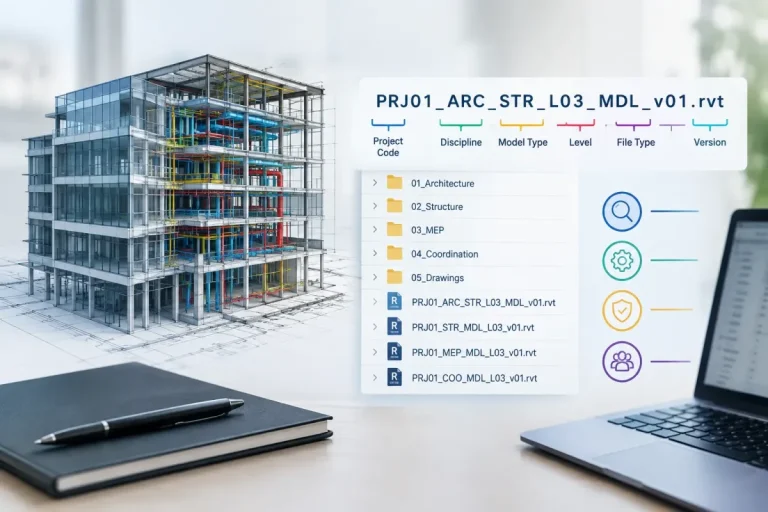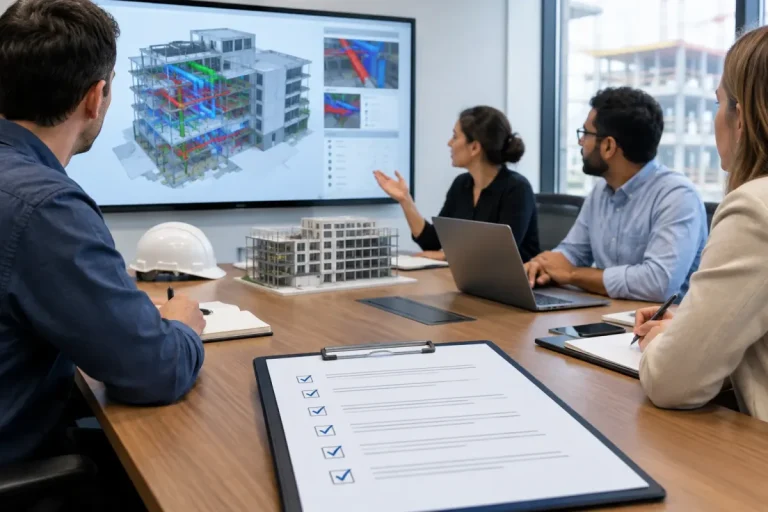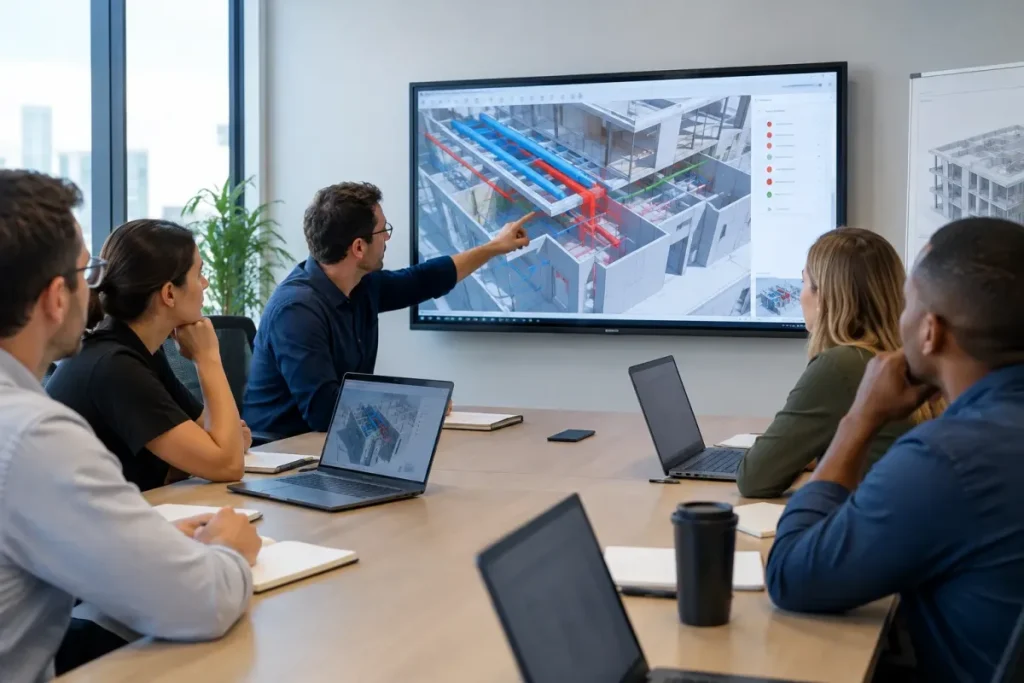

There is an unspoken competition on many projects: which meeting can waste the most time? I have attended coordination meetings in which twenty people watched one person scroll through a model for two hours, in which every item on the agenda began with “we need to look into that”, in which the same clash appeared in the minutes four weeks running because no one had been asked to fix it. I have also attended coordination meetings of forty minutes in which eight people made fifteen decisions and left with a clear list of who would do what by when. The software was identical. The difference was entirely in how the meetings were planned, run and reported.
A BIM coordination meeting is where models become decisions. All the preparation (federation, clash tests, grouping) leads to one hour in which the right people look at the right problems and decide. If that hour is wasted, the rest of the effort is wasted too. If it is well used, it can change the trajectory of a project. This guide explains how to plan, run and report BIM coordination meetings well. It covers the types of meeting, who should attend, how to prepare, a proven agenda and facilitation techniques, how to use the model on screen, how to record decisions, how to handle conflicts and remote participants, templates for reports and decision logs, metrics and the mistakes that make coordination meetings a burden. It supports BIM Coordination: The Complete Guide.
The Short Answer
A good coordination meeting is short, prepared, decision-focused and recorded.
| Principle | In practice |
|---|---|
| Prepare | Federation released, tests run, issues grouped, report sent in advance |
| Invite decision-makers | Discipline leads with authority, not only modelers |
| Focus on decisions | Discuss issue groups, decide who moves and how |
| Use the model | Show it, on screen, at the problem |
| Record | Decisions, owners, dates in the issue tracker and a decision log |
| Follow up | Verify in the next cycle |
In one sentence:
A coordination meeting succeeds when everyone leaves knowing what was decided, who owns each action and when it will be checked.
Types of Coordination Meeting
| Type | Purpose | Typical duration | Attendees |
|---|---|---|---|
| Regular coordination meeting | Review the cycle’s results, decide actions | 45 to 90 minutes | Coordinator, discipline leads, specialists as needed |
| Hotspot workshop | Resolve a congested or critical area (plant room, core, riser, corridor) | 1 to 3 hours | Relevant discipline leads, modelers, contractor |
| Design review | Review design intent and compliance with the client or authority | As needed | Design team, client, stakeholders |
| Trade coordination meeting | Resolve installation conflicts between trades | 1 to 2 hours | Trade foremen, detailers, site management |
| Constructability or sequence review | Review sequence, access, logistics using 4D or the model | 1 to 2 hours | Contractor, trades, designers |
| Kick-off and set-up meeting | Agree framework, standards and cycle | 2 hours | All parties |
| Sign-off review | Confirm coordinated zones and freeze | 30 to 60 minutes | Discipline leads and coordinator |
| Issue triage | Quick review of new issues, assignment | 15 to 30 minutes | Coordinator, leads |
Use the lightest type that works. Not everything needs a full meeting.
Who Should Attend
| Role | Why |
|---|---|
| BIM coordinator (chair or facilitator) | Runs the process and the model |
| Discipline leads (design or trade) | Make decisions for their model |
| Modeler for key items | Answers technical questions about the model |
| Specialists (fire, acoustic, controls, façade) when relevant | Resolve interface decisions |
| Design manager or project manager | Decides on programme and cost implications |
| Contractor representative | Buildability and sequence |
| Client representative (when scope or requirements are affected) | Approves changes |
| Information manager | When information or CDE questions arise |
Rules
- Invite people for the items that concern them, and let others leave. A large agenda can have time-boxed segments for different participants.
- Decision authority matters more than rank. Someone must be able to say yes.
- Limit the size. Eight to twelve is workable. Larger groups should split by zone or discipline.
Step 1: Prepare
Before the Meeting
| Task | Details |
|---|---|
| Release the federation | Dated snapshot with a register of models and versions |
| Run tests and compare with the previous run | New, active and resolved results |
| Group issues | By cause, location and owner; one issue equals one decision |
| Prioritize | By consequence |
| Prepare viewpoints | Saved views for each top issue |
| Prepare the report | Short summary with counts, top groups, decisions needed, approvals pending |
| Prepare the decision list | The five to ten decisions required in this meeting |
| Send the pack in advance | At least a day before, with agenda and issue list |
| Check attendance | Make sure decision-makers will be present |
| Test technology | Screen sharing, model loading, remote tools |
The Pre-Read
A good pre-read includes:
- Agenda and objectives.
- Status table: models received, versions, alignment check.
- Issue summary: open, new, closed, by group and priority.
- Top issue groups with images and proposed options.
- Approvals needed (penetrations, changes).
- Previous actions: status.
Ask participants to read it and come with proposals.
Step 2: Run the Meeting
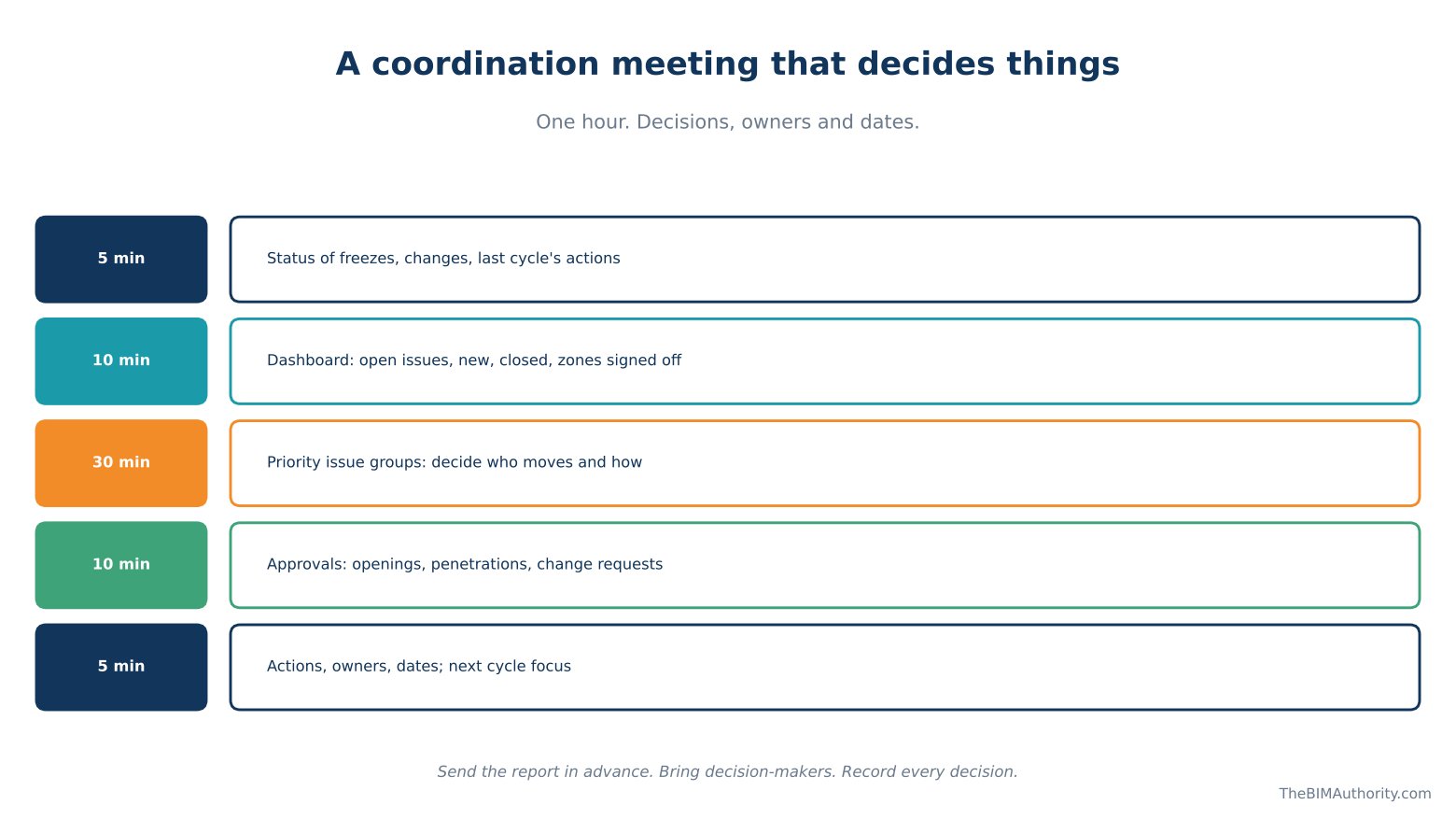
A Proven Agenda (Example: 60 Minutes)
| Item | Time | Purpose |
|---|---|---|
| Status and previous actions | 5 min | Freezes, changes, last cycle’s actions |
| Dashboard | 10 min | Open, new, closed issues; zones signed off; trends |
| Priority issue groups | 30 min | Decide who moves and how; one group at a time |
| Approvals | 10 min | Openings, penetrations, change requests, deviations |
| Actions and next cycle | 5 min | Owners, dates, next focus |
Adapt the times to your project.
Facilitation Techniques
| Technique | Effect |
|---|---|
| State the decision needed | “We need to decide who moves the chilled water main.” |
| Show the problem in the model | Section box, isolated systems, a clear view |
| Ask for options and consequences | “What are the options? What does each cost in time and space?” |
| Time-box discussion | Move on if no decision in five minutes; schedule a workshop |
| Use routing priorities | Apply agreed rules to avoid negotiation from scratch |
| Park technical detail | Move detailed modeling talk to follow-ups |
| Summarize each decision | “Decision: the mechanical team lowers the supply main by 150 mm; owner: Maria; due: Friday.” |
| Capture in real time | A scribe records decisions and updates the issue tracker |
| Keep the screen moving | Avoid long silent navigation; prepare viewpoints |
| Invite quiet voices | Ask discipline leads directly |
Using the Model
- Prepared viewpoints for each item; avoid searching live.
- Standard color coding by discipline.
- Section boxes to isolate the problem.
- Measure in the model to settle disputes.
- Compare versions to show what changed. See BIM Model Version Comparison and Change Detection.
- Share the screen or use a shared viewer so everyone sees the same thing.
Handling Disagreement
| Situation | Response |
|---|---|
| Two disciplines each say the other should move | Apply routing priorities; if unclear, ask for options with consequences; escalate with a deadline |
| A discipline lacks authority to decide | Park the item; name who can decide; set a date |
| Design implications uncertain | Assign a design check before a change; do not change sizes or routes blindly |
| Cost or programme implications | Refer to the project manager and client with a clear note |
| Persistent absence | Escalate to management |
| Tension between people | Refocus on the building: “What is best for the model?”; use facts and options |
Step 3: Record and Report
What to Record
| Record | Content |
|---|---|
| Decisions | What was decided, why, by whom |
| Actions | Owner, due date, linked issue |
| Approvals | Penetrations, deviations, changes, with approver |
| Open points | Parked items with owner and date |
| Attendance | Who was present or absent |
| Next meeting | Date and focus |
Where to Record
| Place | Use |
|---|---|
| Issue tracker (BCF-based) | Each issue with status, owner, comments and viewpoint. See BIM Issue Tracking and Resolution Using BCF |
| Decision log | A running list of significant decisions across the project |
| Meeting minutes | Short summary, issued within a day |
| CDE | Reports and minutes stored with status and revision. See Common Data Environment (CDE): The Complete Guide |
Report Template (One Page)
| Section | Content |
|---|---|
| Header | Project, date, cycle number, federation version |
| Models | Table of models, versions, alignment status |
| Summary | Three lines: progress, main risks, decisions needed |
| Metrics | Open, new, closed, aged issues; zones signed off |
| Top issue groups | Five to ten, with owner and status |
| Approvals | Pending and granted |
| Actions | By owner |
| Limits | What the tests do not cover |
Decision Log Template
| ID | Date | Topic | Decision | Reason | Decided by | Owner of action | Due | Linked issue | Status |
|---|---|---|---|---|---|---|---|---|---|
| D-014 | (date) | Level 3 west corridor | Chilled water main moves below the supply duct; hangers revised | Priority rule; space in the void | Mechanical lead and coordinator | Mechanical modeler | Next cycle | ISS-142 | Open |
Remote and Hybrid Meetings
| Issue | Practice |
|---|---|
| Screen sharing | One person controls the model; others follow; share viewpoints in advance |
| Shared viewer | Use a cloud viewer so each participant can navigate independently when needed |
| Audio and video | Good audio matters more than video; use cameras for key discussions |
| Participation | Call on remote participants; use chat and reactions |
| Recording | Record only if agreed; decisions must still be written |
| Time zones | Rotate times; use asynchronous issue resolution between meetings |
| Hotspot workshops | Prefer in-person where possible; use a large screen and a shared model |
Hybrid meetings need a facilitator who watches both the room and the remote participants.
Large Model Reviews and Workshops
For complex areas, consider a workshop instead of the regular meeting.
| Practice | Benefit |
|---|---|
| Co-located session | Real-time decisions; fewer messages |
| Model open on a large screen | Shared sight |
| Modelers present | Changes made immediately where possible |
| Defined scope | One area (plant room, core, corridor) |
| Time-boxed | Two to three hours |
| Output | Decisions, a sketch or markup, an updated model and issue list |
Many teams find that a few workshops resolve more than weeks of issue exchange.
Metrics for Meetings
| Metric | What it shows |
|---|---|
| Decisions made per meeting | Productivity |
| Actions closed on time | Follow-through |
| Issues repeated across meetings | Whether decisions are being made |
| Attendance of decision-makers | Quality of participation |
| Meeting length and frequency | Efficiency |
| Zones signed off | Progress |
| Participant feedback | Perceived value |
If decisions per meeting are low and repeated issues are high, fix the preparation and attendance, not the software.
Common Problems and Remedies
| Problem | Cause | Remedy |
|---|---|---|
| Meetings that drift | No agenda, no prepared viewpoints | Agenda; time-boxes; prepared views |
| No decisions | Wrong people in the room | Invite decision-makers; escalate |
| The same clashes every week | No actions or follow-up | Actions with owners and dates; verify |
| Long silent model navigation | Unprepared | Saved viewpoints; shared viewer |
| Everyone talks, nothing is recorded | No scribe | Assign a scribe; update the tracker live |
| Disputes between disciplines | No priorities | Routing priorities; options with consequences; escalation |
| Large meetings | Everyone invited to everything | Time-boxed segments; split by zone or discipline |
| Poor remote participation | Unplanned technology | Test tools; facilitate remote voices |
| Reports too long | Everything included | One-page summary; appendices |
Common Mistakes
- No preparation or pre-read.
- The wrong people attending.
- Discussing clashes, not decisions.
- No agenda or time-boxing.
- Searching the model live.
- No scribe or decision log.
- Actions without owners and dates.
- No follow-up verification.
- Meetings too large or too frequent.
- No workshops for hotspots.
- Changing design by modelers’ decision without design review.
- Ignoring remote participants.
See also Common BIM Mistakes Beginners Should Avoid.
A Short Checklist
- Is the federation released, tests run, issues grouped and prioritized?
- Has the pre-read gone out with agenda, top issues and decisions needed?
- Are decision-makers attending, and is the group a workable size?
- Are viewpoints prepared and the model ready on screen?
- Do we follow a time-boxed agenda, stating each decision needed?
- Is a scribe capturing decisions, owners and dates in the tracker?
- Do we apply routing priorities and require design review before design changes?
- Is the report one page, with minutes issued within a day?
- Are actions verified in the next cycle?
- Do we use workshops for hotspots and measure decisions made?
Frequently Asked Questions
How long should a BIM coordination meeting be?
Typically 45 to 90 minutes for a regular meeting; workshops 1 to 3 hours for specific areas.
Who should attend?
The coordinator, discipline leads with authority, specialists for relevant items, and managers or the client when programme, cost or scope are affected.
How often should coordination meetings be held?
Usually weekly or fortnightly during intensive design and pre-construction, with extra workshops for hotspots.
What should the agenda include?
Status and actions, dashboard, priority issue groups, approvals and actions for the next cycle.
How do I make meetings productive?
Prepare, invite decision-makers, state decisions needed, use prepared viewpoints, record decisions in real time and verify afterward.
How do I run remote coordination meetings?
With a shared viewer or screen share, prepared viewpoints, good audio, active facilitation and written decisions.
What should the meeting report contain?
Models and versions, a short summary, metrics, top issue groups, approvals, actions and the limits of the tests.
What if disciplines cannot agree?
Apply routing priorities, ask for options with consequences, set a deadline and escalate to the design or project manager.
Final Thoughts
The forty-minute meeting with fifteen decisions had a secret that turned out to be ordinary: before the meeting, the coordinator had telephoned the three people who were most likely to disagree. She told each of them what she planned to propose and asked for objections. By the time the meeting began, most of the disagreements had been resolved in private, and the meeting was a ratification with a few real debates. “I do not like surprises in meetings,” she said. “A meeting is for deciding, not discovering.”
A coordination meeting is a decision machine: it needs inputs (models, grouped issues, proposals), the right people, a clear process and an output (recorded decisions). Prepare, focus, record, follow up. Use workshops for the hard places. Count decisions, not minutes. And the room that used to dread the hour will start to rely on it.
Where to go next: for the process around meetings, read BIM Coordination: The Complete Guide. For recording decisions, continue with BIM Issue Tracking and Resolution Using BCF, and for the tests behind the report, BIM Clash Detection: The Complete Guide.